Design Details box
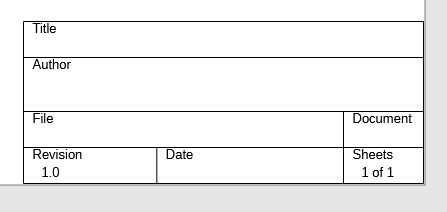
Each design stores document metadata such as title, author, and related details. You edit these values from the Design Details command.
The Design Details box can appear at the bottom-left of the drawing:
Edit design details
- Open your schematic.
- Open Design Details from the File menu/tools.
- Update the fields you want (for example title and author).
- Save the design.
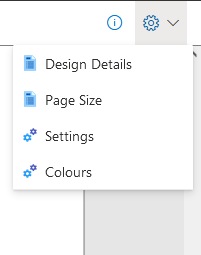
Edit it from the settings menu using Design Details:
When the design is saved, these details are saved with it.
Display Details box
The Display Details box option controls whether the details panel is shown on the drawing.
- When enabled, the details are displayed on the schematic.
- The details box is printed with the design.
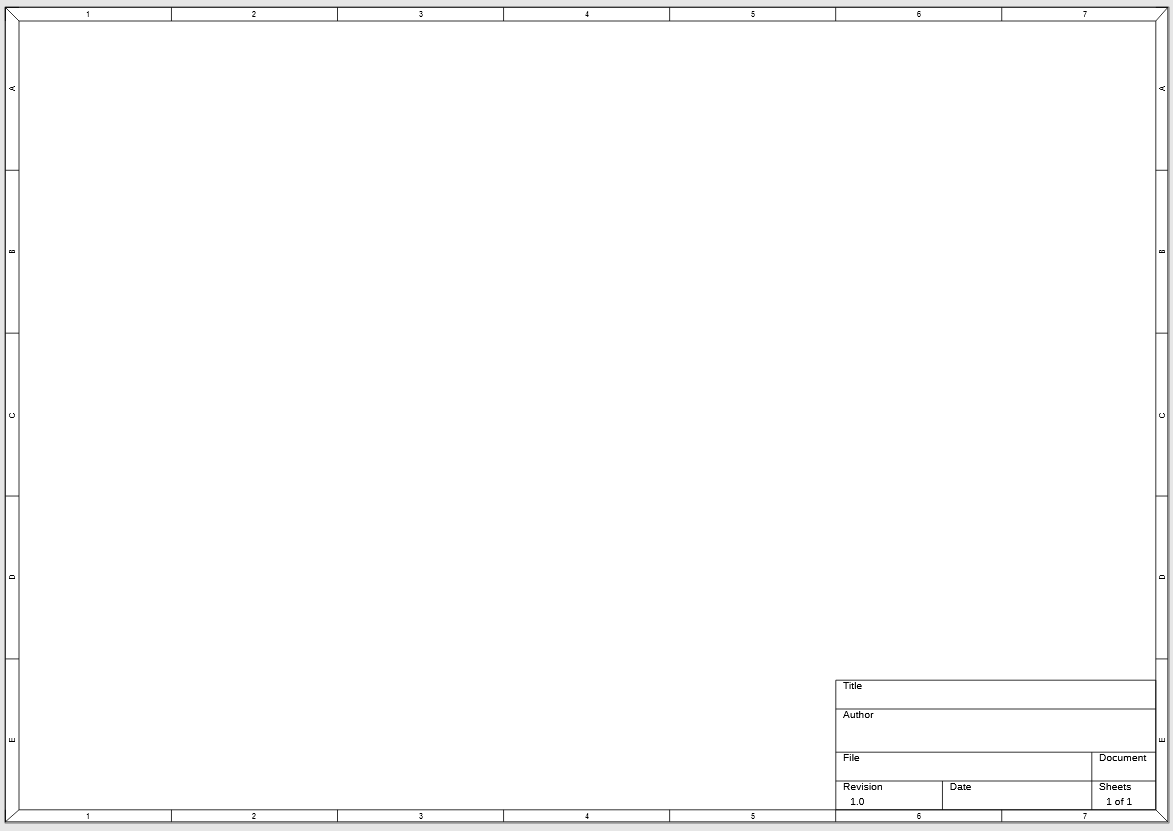
- The details box appears in the bottom-right area of the drawing.
Design guides
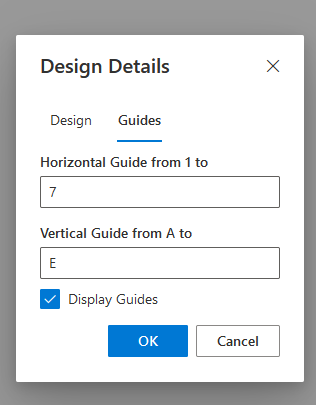
You can toggle the box on/off and configure design guides (letters/numbers around the page edge):
Design guides appear as follows:
Notes
Design details are per sheet - in multi-sheet drawings, each sheet can have its own design details.
- See Multiple Sheet Drawings if your design spans several pages.
- See Page Size to control the sheet layout around the details box.
-
See Printing for how the details box appears in printed or PDF output.
- Back to Drawing
- Back to v4 contents